
Quick Start Guide
Kanban Boards
Get up and running in minutes.
Three Steps to Your First Kanban Board
loqyn sets up a default column structure for you — ready to use immediately.
1
Create a Board
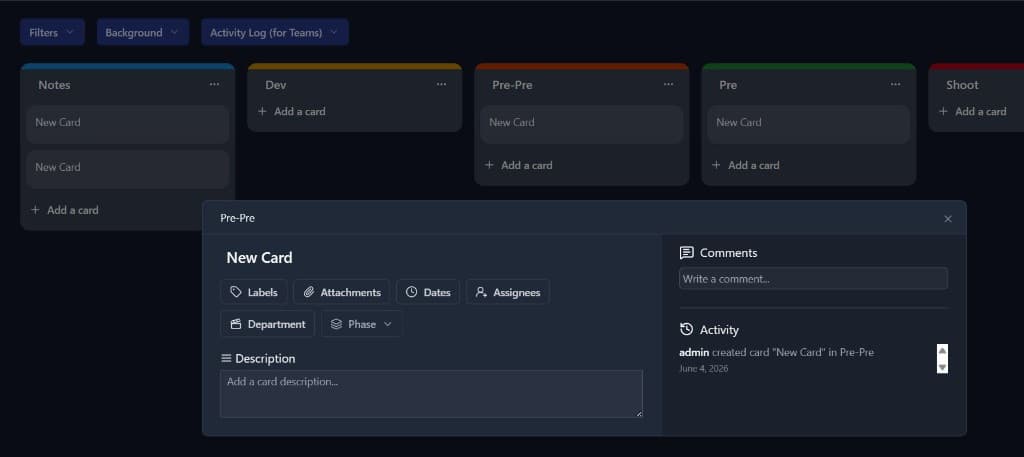
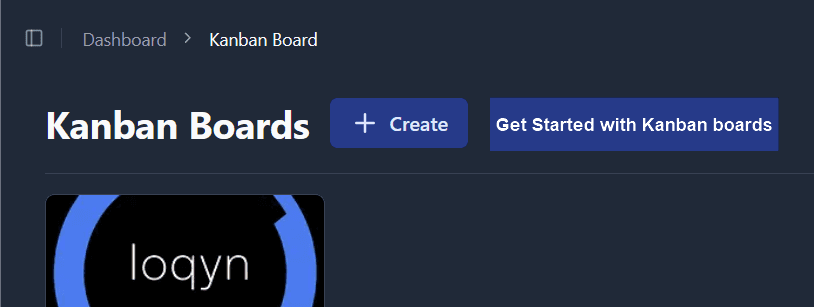
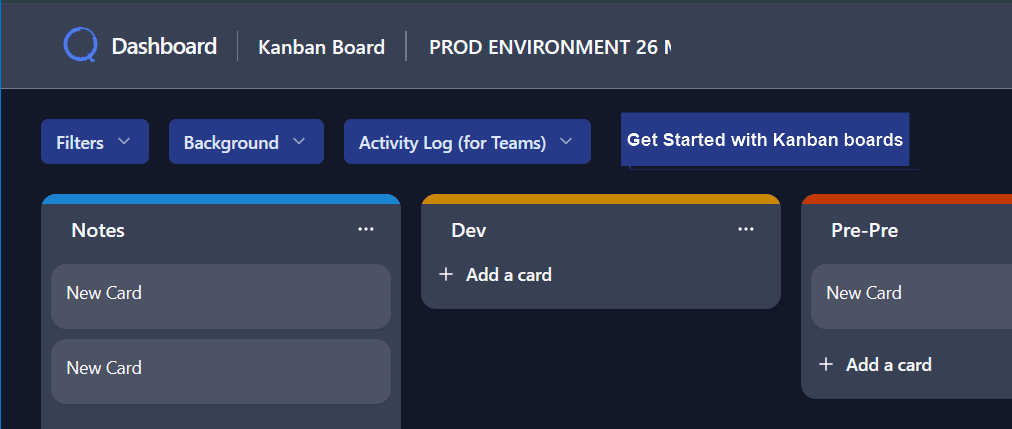
From the Dashboard, open Kanban Boards and click Create. Give your board a name — typically your project title or a specific workflow area (pre-production, post, finance milestones). loqyn sets up a default column structure for you: Notes, Dev, Pre-Pre, Pre, Shoot, Post, and Delivery. These reflect the natural stages of a screen production and are ready to use immediately.
2
Configure Your Columns
The default columns are a starting point, not a constraint. Rename any column, reorder them by drag-and-drop, add new columns for stages specific to your production, or remove any that don't apply. Each column gets its own colour header for fast visual navigation across the board. Use the Background dropdown to personalise the board further.
3
Add Cards, Labels & Assignees
Click + Add a card in any column to create a task. Open the card to add a description, attach files, set dates, apply labels, assign a department, select a phase, and assign team members. As tasks progress, drag cards between columns. The Activity log on each card records every change, so the full history of a task is always visible.
Everything You Need to Run a Production
Production-Stage Columns
Pre-built column templates mapped to film production stages — from Development to Post and Delivery. Fully customisable.
Detailed Task Cards
Attach files, set due dates, assign crew members, tag departments, and link production phases directly to each card.
Team Activity Log
A full audit trail of every card creation, update, move, and comment — filterable by team member across all boards.
Filters and Backgrounds
Filter cards by label, department, phase, or assignee. Personalise your board background to keep projects visually distinct.
Kanban Boards Quick Start
Common questions about using loqyn Kanban Boards on your production.